Pay Bill
Pay Your Internet Bill
Choose your preferred payment method and pay your monthly internet bill easily. Use the copy button to copy account numbers instantly.
Mobile Banking
Pay using bKash, Rocket, Nagad, Upay or other mobile banking services.

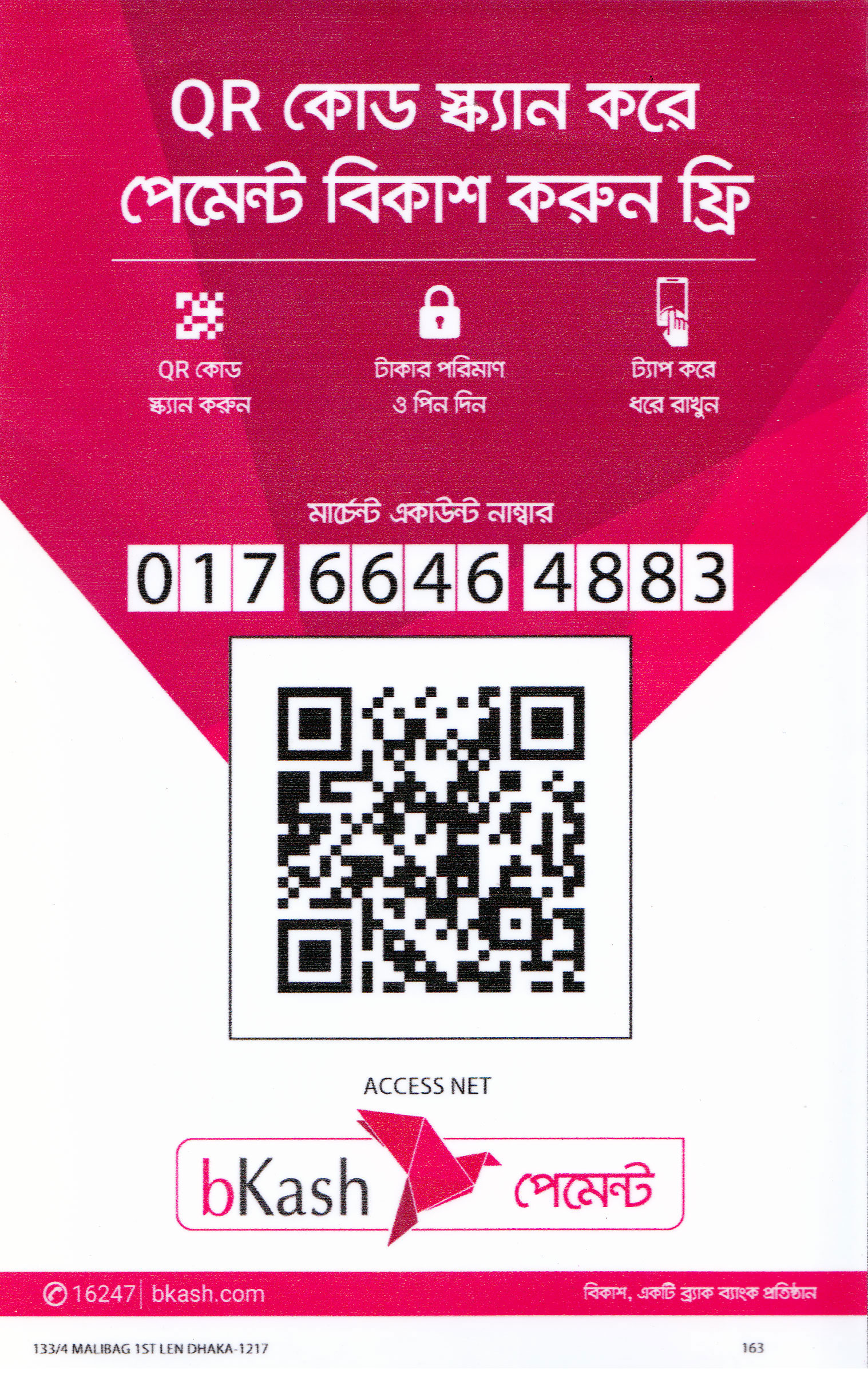
bKash
Merchant
- 1. Open your bKash app.
- 2. Select Payment / Merchant Payment.
- 3. Enter merchant number: 01766464883
- 4. Enter your bill amount.
- 5. Use your customer ID or mobile number as reference.
- 6. Confirm payment with your PIN.
Nagad
Merchant
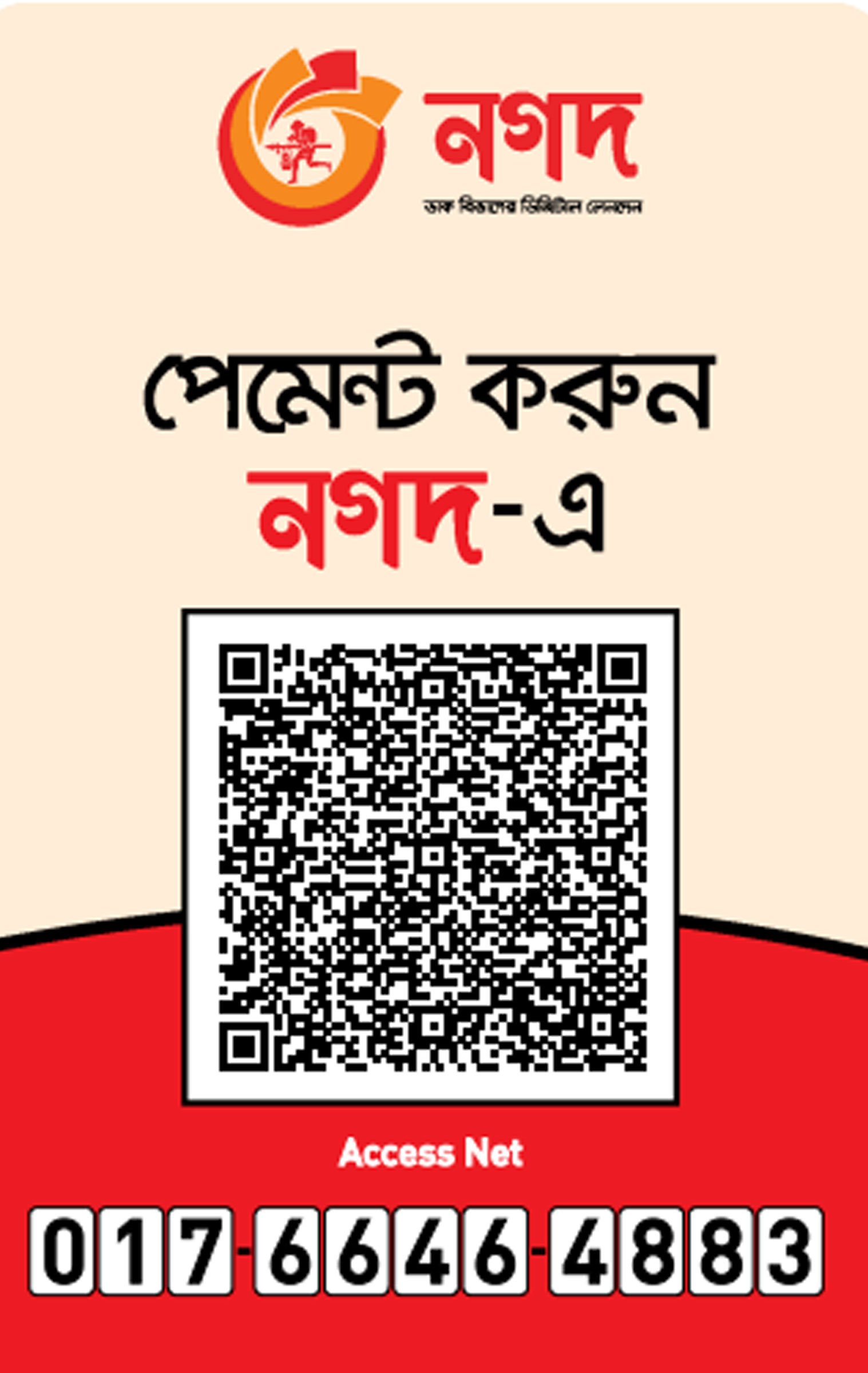
- 1. Open your Nagad app.
- 2. Select Payment / Merchant Payment.
- 3. Enter merchant number: 01766464883
- 4. Enter your bill amount.
- 5. Use your customer ID or mobile number as reference.
- 6. Confirm payment with your PIN.

Upay
Merchant
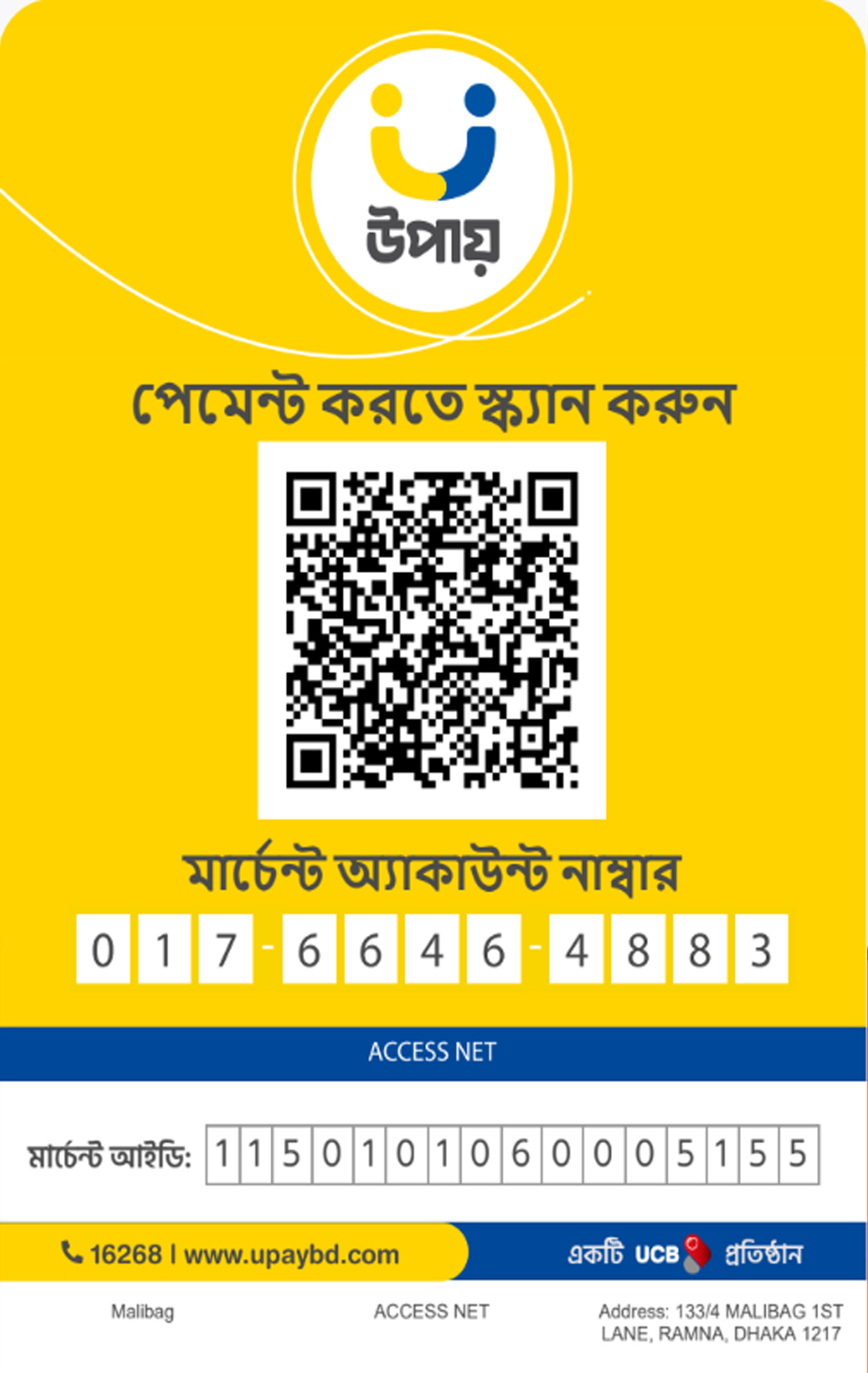
- 1. Open your Upay app.
- 2. Select Payment / Merchant Payment.
- 3. Enter merchant number: 01766464883
- 4. Enter your bill amount.
- 5. Use your customer ID or mobile number as reference.
- 6. Confirm payment with your PIN.

Rocket
Merchant
- 1. Open your Rocket app.
- 2. Select Payment / Merchant Payment.
- 3. Enter merchant number: 01766464883.
- 4. Enter your bill amount.
- 5. Use your customer ID or mobile number as reference.
- 6. Confirm payment with your PIN.
No QR Added
Bank Information
Use the following bank details for direct bank deposit or transfer.

Account Name:
Access Net
Account No:
1101133714001
Branch name:
Mouchak
Routing No:
225274361
Account Name:
Access Net
Account No:
1781100025862
Branch name:
Rampura
Routing No:
90275740